
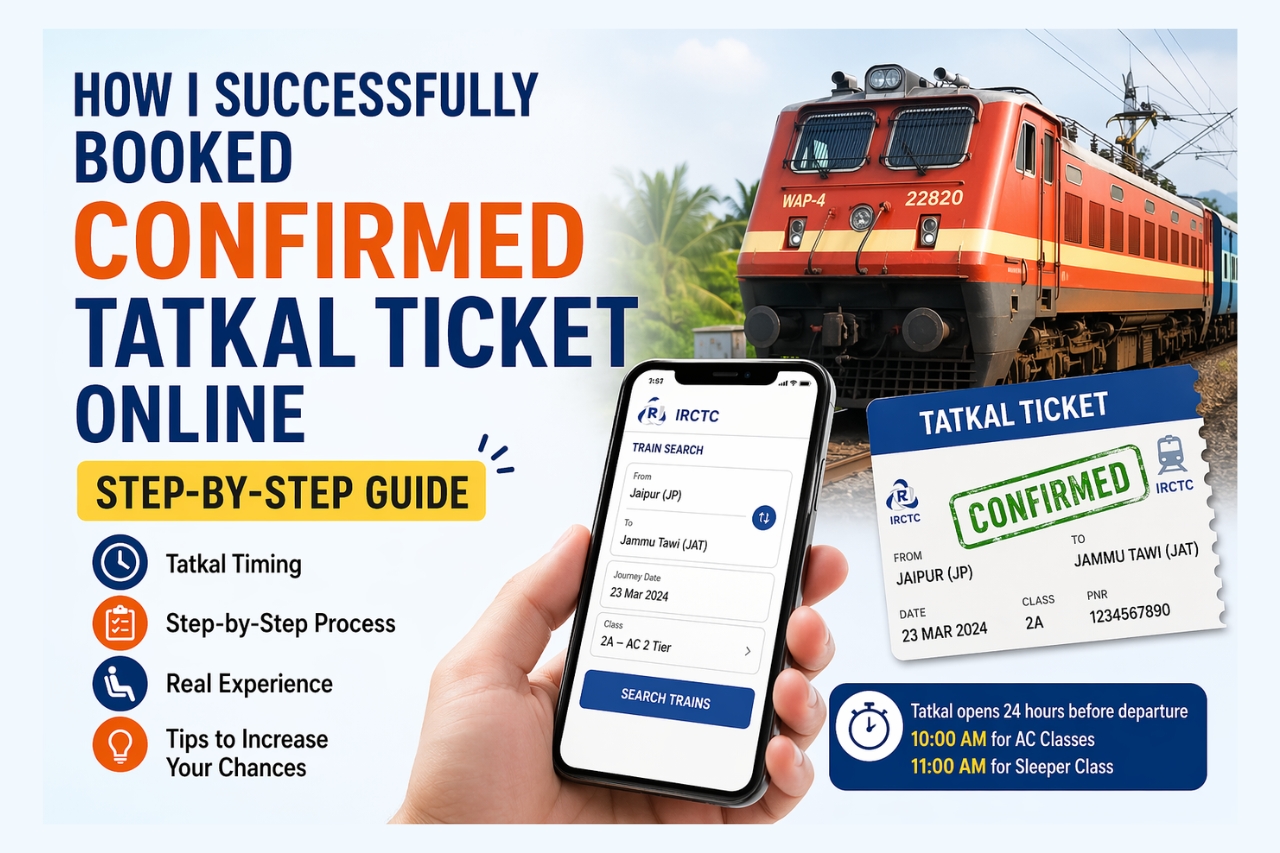
Booking a confirmed Tatkal ticket online can feel like a race against time, with huge number of users competing for limited seats within seconds. After several failed attempts and a lot of trial and error, I finally figured out a method that works. In this guide, I’ll walk you through the step by step process I used to successfully book a confirmed Tatkal ticket online. Whether you’re a first-time user or someone who’s struggled before, this approach can significantly improve your chances of securing that all-important confirmed seat.
About Tatkal Ticket
In Indian Railways, there are multiple ticket quotas such as General Quota, Pooled Quota, Ladies Quota, Senior Citizen Quota, and Tatkal Quota. When most of these quotas are filled and tickets go into waiting list, Indian Railways keeps some seats reserved for last-minute bookings. This is called the Tatkal Quota, designed for passengers who need urgent travel.
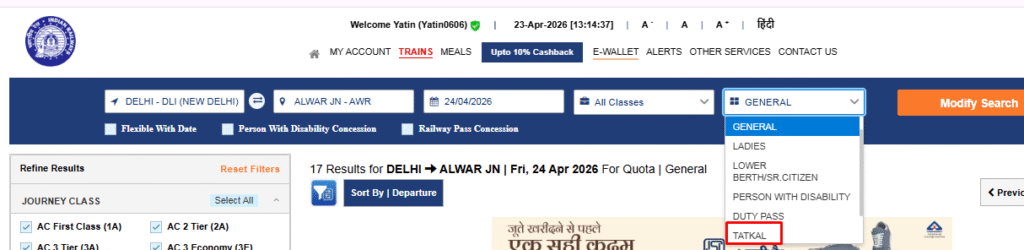
What is the Takal Quota Opening timing For Booking
Tatkal tickets open exactly 24 hours before the train’s departure from the originating station.
- AC Classes (2AC, 3AC, CC, etc.): Opens at 10:00 AM
- Sleeper Class (SL): Opens at 11:00 AM
Timing is very critical, as even a few seconds late can mean missing confirmed tickets.
Step by Step: How I Booked My Confirmed Tatkal Ticket (Real Experience)
I had to travel from Jaipur to Jammu Tawi. My journey date was 23rd March, and based on Tatkal rules, booking opened at 10:00 AM for AC class.
Here’s exactly what I did:
1. Login Before Time
I logged in to the IRCTC website/app at 9:55 AM using my user ID and password.
2. Search Train in Advance
I searched for my train beforehand and checked seat availability for different classes (2AC, 3AC).
3. Keep Refreshing at the Right Time
At exactly 10:00 AM, I refreshed the page and quickly selected my preferred class.
4. Fill Details Quickly
I entered passenger details as fast as possible and moved to the next step.
5. Handle Captcha Carefully
After filling details, I completed the captcha quickly without mistakes.
6. Payment Step (Very Important)
I selected UPI (Paytm) as my payment option.
Important Tip: Click the payment option only once.
If you click twice, you may get logged out or the session may fail.
7. Complete Payment Immediately
I completed the payment quickly – and my Tatkal ticket got confirmed!
Note: Tatkal tickets are not 100% guaranteed, especially on busy routes. Sometimes, due to heavy traffic or network issues, booking may fail.
Keep Things in Mind when booked
- Ensure you have a fast and stable internet connection
- Do not click buttons multiple times
- Be patient after clicking pages may load slowly due to heavy traffic
- Keep your payment method ready in advance
- Save passenger details beforehand (if possible)
Booking a confirmed Tatkal ticket isn’t just about luck it’s about timing, speed, and avoiding small mistakes that can cost you the seat. Follow this method carefully, and you’ll greatly increase your chances of getting that confirmed ticket when it matters most.
